SOCKS5 vs HTTP proxy: how they differ and which one to use
HTTP proxies understand web traffic; SOCKS5 relays any TCP connection. What that means for HTTPS, DNS leaks, speed, authentication and tool support, and a simple rule for picking the right port.
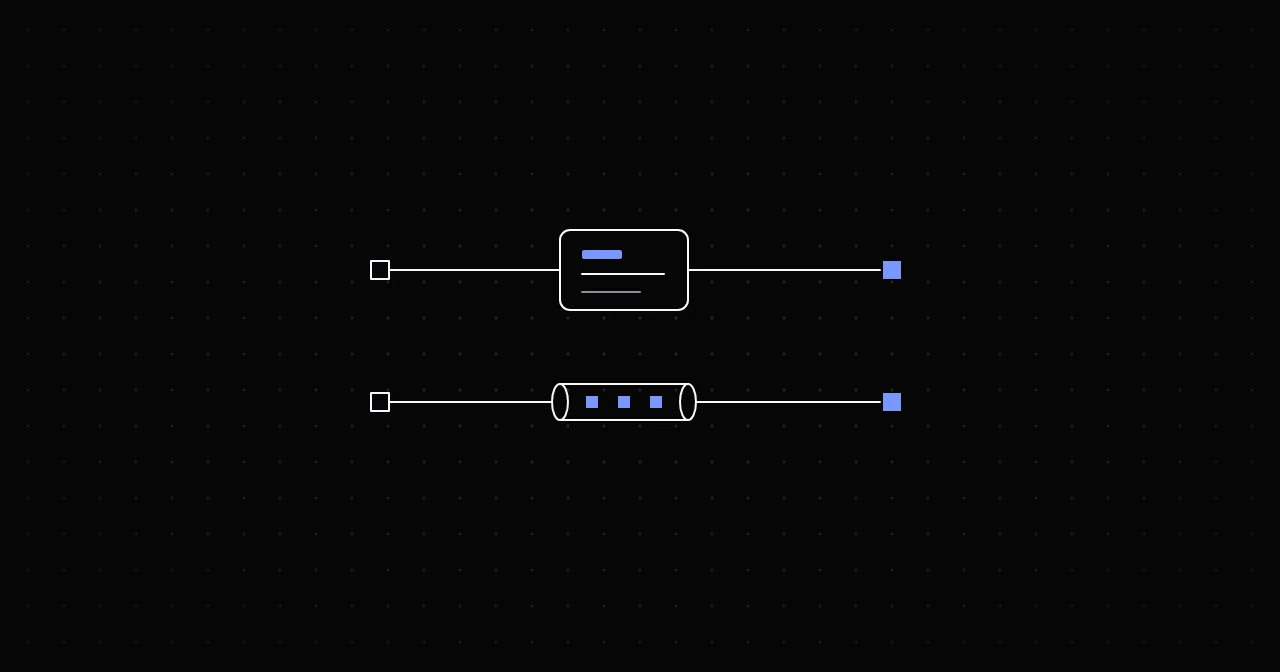
An HTTP proxy understands web traffic; a SOCKS5 proxy relays any TCP connection without caring what is inside. For scraping, browsers and anything else that speaks HTTP or HTTPS, use the HTTP port. Use SOCKS5 when an application only supports SOCKS, or when the traffic is not web traffic at all, and then use socks5h so DNS resolves on the proxy side. Neither protocol encrypts anything on its own, and both carry HTTPS sites end to end encrypted. Here is what sits behind those rules.
How an HTTP proxy works
For a plain http:// page, the client sends the whole request to the proxy, with the full URL in the request line. The proxy fetches the page and passes the answer back. It can read the request and the response, and in principle change them.
For an https:// page, which is nearly all of the web, the client sends a CONNECT request instead:
CONNECT example.com:443 HTTP/1.1
Host: example.com:443
Proxy-Authorization: Basic ...
The proxy opens a TCP connection to example.com:443, answers 200, and from then on just moves bytes. The client runs TLS through that tunnel directly with the site, so the proxy sees the hostname, the port and how many bytes flow, and nothing else. CONNECT is a standard HTTP method, defined in RFC 9110.
Authentication uses the Proxy-Authorization header. With the usual Basic scheme that is your username and password in base64, an encoding and not encryption. Wrong credentials get a 407 Proxy Authentication Required.
How a SOCKS5 proxy works
SOCKS5, defined in RFC 1928, works one layer lower. The client opens a connection and goes through three short exchanges:
- A greeting that lists the login methods it supports, and the server's choice.
- The login, if the server asked for one. Username and password authentication is specified separately, in RFC 1929.
- A connect request naming the destination as an IPv4 address, an IPv6 address or a domain name, and the server's reply.
After that the proxy relays raw bytes in both directions. It never parses HTTP, so it works for any protocol that runs over TCP. The standard also defines UDP relaying, which providers may or may not offer.
The login is not encrypted here either. RFC 1929 itself notes that the request carries the password in cleartext.
The differences that matter in practice
DNS: who looks up the hostname. An HTTP proxy always receives the hostname, in the URL or in CONNECT, and resolves it on its side. With SOCKS5 it depends on the client. curl and Python Requests use the scheme to decide: socks5:// resolves the name locally and sends the proxy an IP address, while socks5h:// sends the name and lets the proxy resolve it. We checked both against a test proxy: the socks5:// connection arrived as a bare IP, the socks5h:// one as the hostname. Local resolution tells your own DNS resolver which sites you visit, and a CDN can answer with a server near you instead of near the exit, so the site serves content for the wrong country.
Round trips before the first byte. With credentials, SOCKS5 needs three request and reply exchanges before any data moves: greeting, login, connect. An HTTP proxy needs one: curl and Python Requests send the CONNECT with the credentials already attached. Each exchange costs one round trip to the gateway, so if the gateway is 50 ms away, SOCKS5 adds about 100 ms to every new connection. With keep-alive connections that cost is paid once and then disappears, and once data flows both protocols simply relay bytes.
What the proxy can see and touch. On HTTPS, neither protocol can see more than the destination and the volume. On plain http:// URLs, an HTTP proxy can read the request and could add headers such as Via or X-Forwarded-For that reveal a proxy is in use. A clean proxy does not add them; you can check by requesting http://httpbin.org/headers through it and reading the headers that arrive.
Protocols. HTTP proxies carry HTTP and HTTPS, plus anything a client chooses to tunnel through CONNECT. SOCKS5 carries any TCP traffic: SSH, database clients, chat or game clients, mail clients.
Tool support. This is often what decides it:
- Chrome, and with it Puppeteer and Playwright's Chromium, supports SOCKS5 but cannot log in to it. Playwright refuses to launch with
Browser does not support socks5 proxy authentication, and Puppeteer fails withERR_SOCKS_CONNECTION_FAILED. HTTP proxies with a username and password work fine. - curl supports both, with
-x http://or-x socks5h://. - Python Requests supports HTTP out of the box and SOCKS5 after
pip install "requests[socks]". - Scrapy's default downloader supports HTTP proxies only.
- Node.js: undici's
ProxyAgentspeaks HTTP proxy. For SOCKS5, undici 7.23 and later include an experimentalSocks5ProxyAgentthat supports a username and password, and thesocks-proxy-agentpackage is the long-standing alternative.
Encryption. Neither protocol encrypts your traffic. HTTPS does, end to end, whichever proxy carries it. If you need the hop between your machine and the proxy encrypted for non-HTTPS traffic, that is a VPN's job, or a proxy that speaks TLS on its own port. The proxy vs VPN guide goes into that.
Speed. Once a connection is up, there is no meaningful throughput difference: both copy bytes. Any difference is in connection setup, where HTTP needs fewer round trips. Claims that SOCKS5 is faster because it is lower level do not hold up for web traffic.
Which one to use
- Scraping or automation with Requests, Scrapy, Playwright, Puppeteer, Selenium or Node.js: the HTTP port.
- An application that only offers a SOCKS setting, or non-web TCP traffic: the SOCKS5 port, with
socks5h://where the client lets you choose. - Testing from the command line: either. With curl,
socks5h://andhttp://both keep DNS on the proxy side. - UDP: check whether your provider supports SOCKS5 UDP relaying before you build on it.
The same credentials on both ports
At NyxonProxies, every product listens on separate ports for each protocol, on the same host and with the same username and password:
- Residential and Mobile:
geo.gw.nyxon.sh, HTTP on 8080, SOCKS5 on 1080. - Residential Budget:
budget.gw.nyxon.sh, HTTP on 6969, SOCKS5 on 9696. - Datacenter:
dc.gw.nyxon.sh, HTTP on 777, SOCKS5 on 666. - Shared ISP:
isp.gw.nyxon.sh, HTTP on 30, SOCKS5 on 31.
So switching protocol is a change of scheme and port:
curl -x http://USERNAME:[email protected]:8080 https://api.ipify.org
curl -x socks5h://USERNAME:[email protected]:1080 https://api.ipify.org
Targeting and sessions work the same on both, since they live in the username. The Generate page lets you pick HTTP or SOCKS5 and prints ready-made strings in the format your tool expects.
The most common mistake is mixing them up: a SOCKS5 scheme on the HTTP port, or the other way round. curl reports the first as curl: (97) Received invalid version in initial SOCKS5 response., and the proxy error codes guide lists the rest.
FAQ
Is SOCKS5 more secure than an HTTP proxy? No. Neither encrypts traffic, and both send credentials in a reversible form. Security for web traffic comes from HTTPS, which works the same over both.
Is SOCKS5 faster than HTTP? Not in any way you would notice once data flows. It needs more round trips to set up each connection.
Does SOCKS5 hide DNS requests? Only if the client sends hostnames to the proxy. In curl and Requests that means socks5h://. With plain socks5://, lookups happen on your machine.
Can I use SOCKS5 in Chrome? Only for proxies without a password. For authenticated proxies, use the HTTP port; the Puppeteer guide also shows a local forwarder for cases where SOCKS5 is required.
Try it
Both protocols are included on every NyxonProxies plan at no extra cost. Create an account, link Discord under Freebies for 250MB of Residential Budget traffic free, and run the two curl commands above with your own credentials.