Proxy vs VPN: the real differences and when to use each
A VPN encrypts everything your device sends and gives it one shared IP. A proxy routes one app through IPs you choose, by type, country, city and session. How they differ on encryption, IP types, speed and price, and which one fits which job.
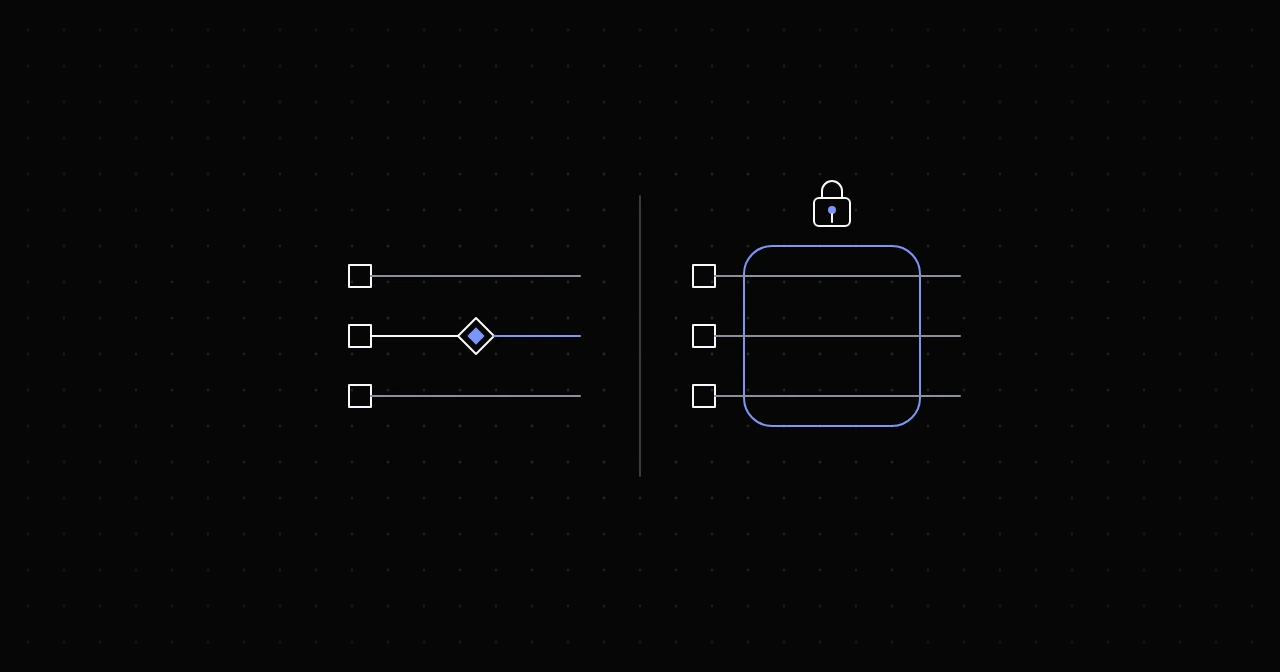
Both a proxy and a VPN put another server between you and the websites you visit, so both hide your IP address. The difference is everything else. A VPN works at the level of your whole device: it encrypts all traffic between you and the VPN server and gives you one exit IP, usually a datacenter address shared with many other customers. A proxy works at the level of one application or one request: you point a browser, script or tool at it, and you choose which IPs carry the traffic, by type, country, city and session. A VPN is for protecting your own connection. A proxy is for doing work from many places at once.
What a VPN does
A VPN client creates an encrypted tunnel from your device to a VPN server, using a protocol such as WireGuard, OpenVPN or IKEv2. The operating system routes all traffic into that tunnel: every app, every DNS lookup, everything. Websites see the VPN server's IP address. Your local network, the café's Wi-Fi and your internet provider see only encrypted traffic to the VPN server.
What you get:
- Encryption of everything between your device and the VPN server, including traffic that is not HTTPS.
- One exit IP at a time, picked by choosing a server location.
- Usually IPs from hosting ranges, shared by many users of the same server.
- Usually a flat monthly price.
What a proxy does
A proxy handles traffic from the applications you configure to use it. You give a scraper, a browser profile or a command-line tool a host, a port and credentials, and that application's requests go through the proxy. The rest of the device is untouched.
What you get:
- A choice of IP type: residential (real home connections), mobile (carrier networks), ISP (static addresses registered to internet providers) or datacenter.
- Control per request: rotate to a new IP on every connection, or keep one IP for a sticky session of a set length.
- Targeting by country, and on many pools by state, city or network.
- Parallelism: hundreds of sessions at the same moment, each from a different IP.
- Pricing by traffic or by IP, so you pay for what the job uses.
A proxy does not add encryption of its own. HTTPS sites stay encrypted end to end through the proxy, because the proxy only opens a tunnel and cannot read inside it. Plain HTTP traffic is visible to the proxy, just as it is to any network it crosses.
Side by side
- Scope. VPN: all traffic from the device. Proxy: the apps or requests you point at it.
- Encryption. VPN: everything up to the VPN server. Proxy: none of its own; HTTPS protects content end to end.
- IP addresses. VPN: shared datacenter IPs, one at a time. Proxy: residential, mobile, ISP or datacenter, as many as you need.
- Rotation and targeting. VPN: pick a server location by hand. Proxy: rotation per connection, sticky sessions, country and city targeting.
- How sites see you. VPN: many IP intelligence databases list VPN and hosting ranges, and some sites block or challenge them. Residential and mobile proxies: the IP belongs to a consumer network, like an ordinary visitor's.
- Setup. VPN: install an app and connect. Proxy: configure each tool, usually with one line.
- Pricing. VPN: a monthly subscription. Proxy: per gigabyte or per IP.
Which one for which job
- Securing a laptop on public Wi-Fi: VPN. You want everything encrypted, not a different IP for one app.
- Keeping your browsing private from your internet provider: VPN. A proxy only covers the apps that use it, and with some setups DNS lookups still go out from your machine.
- Collecting public data from thousands of pages: proxy. You need many IPs, rotation and retries, which a VPN does not offer.
- Monitoring prices or search results in twenty countries: proxy. One request per country, at the same time, with exits in each market.
- Seeing how your own site looks from Germany: either. A proxy is better if you need a specific city, a mobile network, or several countries at once.
- Automated browser sessions that must keep one IP: proxy, with a sticky session or a static ISP address.
- Reaching your office network from home: a VPN, usually your company's own.
Can you use both?
Yes, and it works fine. With a VPN running on your device and a proxy configured in an app, that app's traffic goes from your device to the VPN server encrypted, from there to the proxy gateway, and out through the proxy's exit. Websites see the proxy's IP. The cost is extra latency, since every request makes two detours instead of one. Check that the VPN does not block the proxy's ports; most allow any outbound port.
Common myths
"A proxy is just a VPN without encryption." Partly true at the network level, but it misses the point. What makes proxies useful is the choice and number of IPs, rotation and targeting, which VPNs do not offer at all.
"A VPN makes me anonymous." It moves trust from your internet provider to the VPN provider, which can see where your traffic goes. Accounts, cookies and browser fingerprints identify you regardless of the IP.
"Free proxies are good enough." Open proxies found on public lists are often misconfigured or compromised machines. They can log or alter any traffic that is not HTTPS, they disappear without notice, and their IPs are usually already blocked.
"Residential proxies are a residential VPN." They are configured per app, they are billed by traffic, and they rotate. Some tools can force a whole system through a SOCKS5 proxy, but that still is not an encrypted tunnel.
Where NyxonProxies fits
NyxonProxies sells proxies, not a VPN. If your job is one of the proxy jobs above, the pieces are: Residential at $1.10/GB in 160+ countries with ASN and US city targeting, Residential Budget at $0.35/GB for volume, Mobile at $1.25/GB, Shared ISP at $0.50/GB and Datacenter at $0.36/GB (prices in October 2026; current ones are on the pricing page). HTTP and SOCKS5 come with every plan, billing is per gigabyte, and credit does not expire. If you are not sure which type fits, the decision guide walks through it by use case, and the four proxy types explained covers how each one works.
FAQ
Is a VPN better than a proxy? For protecting your own device and connection, yes. For collecting data, testing from many locations or running many sessions at once, a proxy is the right tool.
Do proxies encrypt traffic? Not by themselves. HTTPS keeps the content of web traffic encrypted end to end through any proxy.
Can a website tell I am using a VPN? Often, yes. VPN servers sit on hosting ranges that IP databases label as such, and many users share each address.
Is a proxy faster than a VPN? It depends on the route, not the technology. A nearby datacenter proxy can be faster than a distant VPN server; a residential exit adds the latency of a home connection.
Try it
Create an account and link Discord under Freebies to get 250MB of Residential Budget free, enough to see how a proxy behaves on your own targets before you pay for anything.