Playwright proxy setup: authentication, per-context proxies and SOCKS5 (Python and Node.js)
How to set a proxy in Playwright at launch or per browser context, with username and password, in Python and Node.js. Plus one IP per context, the SOCKS5 limitation in Chromium, saving bandwidth, and the exact errors you get when something is off.
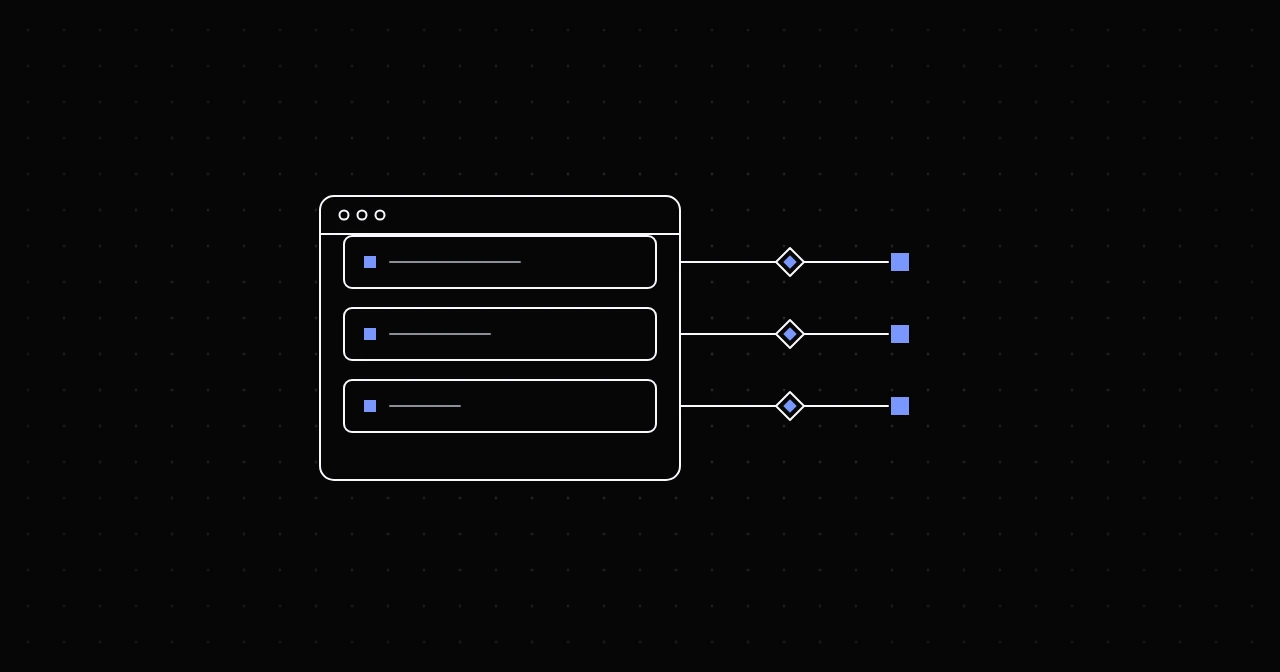
Playwright takes a proxy as an object with four fields, server, username, password and bypass, and you can set it for the whole browser at launch or separately for each browser context. Per context is the one that matters for real work, because it lets every context keep its own IP next to its own cookies. Everything below was tested with Playwright 1.64 and Chrome 155.
Proxy at launch (Python)
Install Playwright and a browser first: pip install playwright, then playwright install chromium.
from playwright.sync_api import sync_playwright

PROXY = {
    "server": "http://geo.gw.nyxon.sh:8080",
    "username": "USERNAME-country-us",
    "password": "PASSWORD",
}

with sync_playwright() as p:
    browser = p.chromium.launch(proxy=PROXY)
    page = browser.new_page()
    page.goto("https://api.ipify.org?format=json")
    print(page.inner_text("body"))
    browser.close()
Three details:
- Credentials go in
usernameandpassword, never in the server URL. With them written into the server URL instead, Chrome ignored them and the page failed withERR_INVALID_AUTH_CREDENTIALS. - Targeting options belong in the username, exactly as in any other client:
USERNAME-country-de-city-berlin. The sessions guide lists them. - A server without a scheme, such as
geo.gw.nyxon.sh:8080, is treated as an HTTP proxy.
The async API takes the same object: await p.chromium.launch(proxy=PROXY).
Proxy at launch (Node.js)
Install with npm i playwright, then npx playwright install chromium.
import { chromium } from "playwright";

const browser = await chromium.launch({
  proxy: {
    server: "http://geo.gw.nyxon.sh:8080",
    username: "USERNAME-country-us",
    password: "PASSWORD",
  },
});
const page = await browser.newPage();
await page.goto("https://api.ipify.org?format=json");
console.log(await page.innerText("body"));
await browser.close();
One proxy per context
A browser context is an isolated session inside one browser: its own cookies, local storage and cache, like a separate profile without starting another browser. Give each context its own proxy username with a session id and each one keeps its own exit IP for as long as it lives.
A practical example is checking a site from several countries at once, with locale and timezone matched to each exit so the page renders as a local visitor would see it:
import secrets
from playwright.sync_api import sync_playwright

MARKETS = {
    "us": ("en-US", "America/New_York"),
    "de": ("de-DE", "Europe/Berlin"),
    "gb": ("en-GB", "Europe/London"),
}

with sync_playwright() as p:
    browser = p.chromium.launch()
    for country, (locale, tz) in MARKETS.items():
        sid = secrets.token_hex(4)
        context = browser.new_context(
            proxy={
                "server": "http://geo.gw.nyxon.sh:8080",
                "username": f"USERNAME-country-{country}-session-{sid}-time-20",
                "password": "PASSWORD",
            },
            locale=locale,
            timezone_id=tz,
        )
        page = context.new_page()
        page.goto("https://ipinfo.io/json")
        print(country, page.inner_text("body"))
        context.close()
    browser.close()
In Node.js the option is the same object on browser.newContext({ proxy: { ... }, locale, timezoneId }).
Notice that the browser was launched without a proxy. Many tutorials launch Chromium with a placeholder such as proxy={"server": "per-context"}, because older Playwright versions ignored context proxies otherwise. The current documentation does not require it, and in our test with Playwright 1.64 per-context proxies worked without one. If an old project has that placeholder, it does no harm.
Playwright has no per-page proxy. Pages opened in the same context share its proxy, which is also what you want: one identity, one IP.
Rotating or sticky in a browser
A browser is not a script making one request at a time. Loading a single page opens several connections: one per host, often more. On a rotating username without a session token, each new connection can leave through a different exit, so one page view can arrive from several IPs. For anonymous one-off page loads that rarely matters. For anything with a login, a cart or a multi-step form, a site that ties a session to an IP sees it as odd, so use a session id per context and set -time- (in minutes, up to 120) longer than the task takes.
To get a fresh IP, close the context and open a new one with a new session id. The sticky vs rotating guide explains the trade-off in more depth.
SOCKS5 in Playwright
Playwright accepts socks5:// servers, but Chromium cannot log in to a SOCKS5 proxy. Pass a username and password with a SOCKS5 server and the launch itself fails:
BrowserType.launch: Browser does not support socks5 proxy authenticationLeave the credentials out and a SOCKS5 proxy that requires them refuses the connection, which surfaces as net::ERR_SOCKS_CONNECTION_FAILED. The fix is simple: use the HTTP port. On the residential gateway that is geo.gw.nyxon.sh:8080. HTTP proxies carry HTTPS traffic through an encrypted tunnel, so you lose nothing. The SOCKS5 vs HTTP comparison explains why.
Bypassing the proxy for some hosts
bypass takes a comma-separated list of hosts to reach directly, such as a local test server or an internal API:
browser = p.chromium.launch(proxy={
    "server": "http://geo.gw.nyxon.sh:8080",
    "username": "USERNAME",
    "password": "PASSWORD",
    "bypass": "localhost,127.0.0.1,.internal.example",
})
A leading dot, as in .internal.example, matches its subdomains. List local addresses explicitly if they should go direct: unlike plain Chrome, Playwright sends loopback addresses through the proxy too, and in our test a local server on 127.0.0.1 went through the proxy until we added it here.
Save bandwidth: block what you do not need
Proxies are billed per gigabyte, and images, fonts and video are most of a page's weight. If you only need the HTML or the data, abort those requests before they leave the browser:
def block_heavy(route):
    if route.request.resource_type in {"image", "media", "font"}:
        return route.abort()
    return route.continue_()

page.route("**/*", block_heavy)
page.goto("https://www.wikipedia.org/")
Aborted requests never reach the proxy, so they cost nothing. Leave stylesheets alone if you take screenshots or rely on layout.
Errors you will see
What Playwright 1.64 with Chrome 155 reported for each mistake. Chrome's codes appear in the error message with a net:: prefix, as in net::ERR_PROXY_CONNECTION_FAILED:
ERR_PROXY_CONNECTION_FAILED: wrong host or port, or the proxy is unreachable from this machine.ERR_INVALID_AUTH_CREDENTIALS: the proxy wanted credentials and got none, including when they were written into the server URL.ERR_HTTP_RESPONSE_CODE_FAILURE: credentials were sent but rejected, typically a wrong password.ERR_TUNNEL_CONNECTION_FAILED: the proxy refused to open the tunnel with an error status such as 403 or 502.Browser does not support socks5 proxy authentication: SOCKS5 with credentials; switch to the HTTP port.ERR_SOCKS_CONNECTION_FAILED: the SOCKS5 proxy refused the connection.TimeoutError: Page.goto: Timeout 30000ms exceeded.: the page did not finish loading in time. Residential exits are slower than a direct connection, so raise the limit, for example withpage.goto(url, timeout=60000), rather than retrying instantly.
The proxy error codes guide covers what each underlying status means and how to tell proxy errors from website errors.
Verify what the site sees
Before a real run, open https://ipinfo.io/json in the context, as in the example above. The country must match your targeting, and the org field shows the network: a consumer ISP for residential exits. Do it once per context type, not once per run, and you will catch a wrong port or a missing session id before it costs you a day of data.
FAQ
Can Playwright use a different proxy for each page? No. A proxy is set per browser or per context. Open one context per proxy.
Does Playwright support SOCKS5 with a username and password? Not with Chromium: the launch fails with "Browser does not support socks5 proxy authentication". Use the HTTP port.
Do I need a proxy at launch to use per-context proxies? Not with current versions; we tested Playwright 1.64 without one. Older versions needed a placeholder.
Is Puppeteer different? Yes: Chrome takes the address as a launch flag and the credentials through page.authenticate(). See the Puppeteer proxy guide.
Try it
The examples run on any NyxonProxies plan: Residential for ASN or US city targeting, Residential Budget for volume at the lowest price, ISP for long sessions that need one static IP. Create an account and link Discord under Freebies to get 250MB free, then copy your proxy details from the Generate page.