Datacenter vs residential proxies: how sites tell them apart, speed, price and which to choose
Datacenter IPs belong to hosting companies, residential IPs to home internet connections, and websites can tell them apart with one lookup. How the two compare on speed, sessions, targeting and price, a quick test for your own target, and a fallback pattern that uses both.
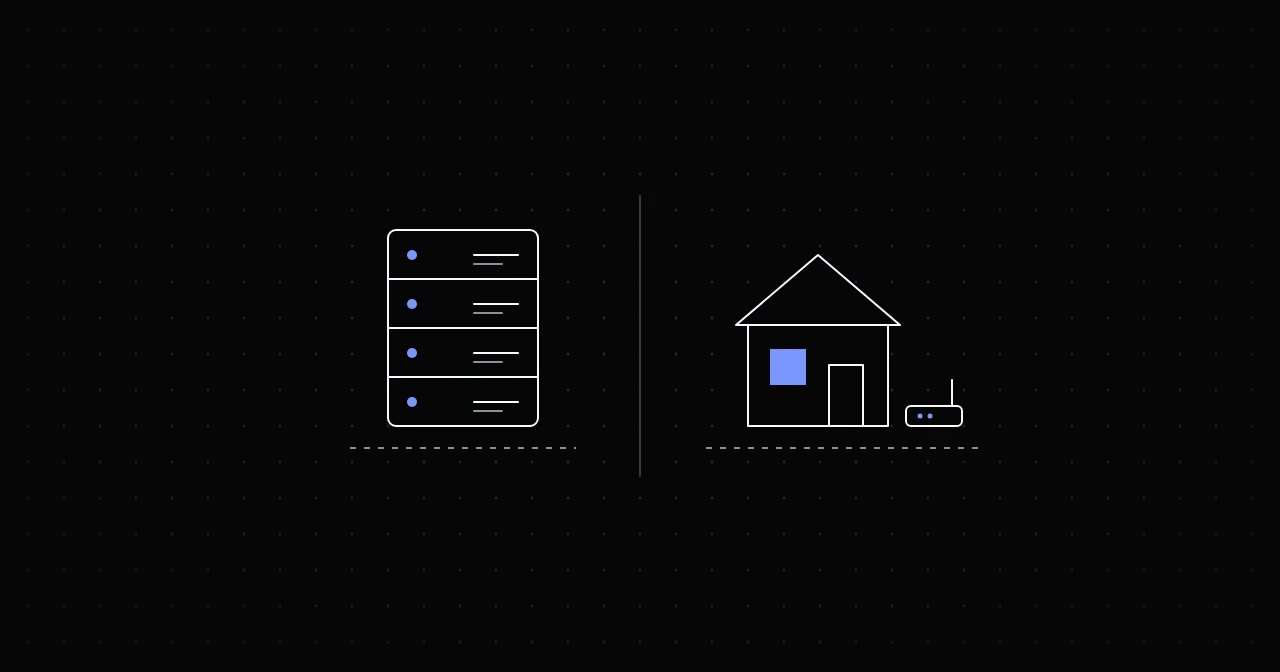
Datacenter and residential proxies differ in one fact that drives everything else: who the IP address is registered to. A datacenter IP belongs to a hosting or cloud company and sits on a server, which makes it fast, stable and simple to run. A residential IP belongs to a consumer internet provider and exits through a real household connection, which is slower and less predictable but looks like an ordinary visitor. If a site checks the IP type, residential gets through where datacenter gets challenged. If it does not check, datacenter does the same job faster.
How websites tell them apart
Every IP address is announced to the internet by a network with an autonomous system number (ASN) and registered to an organisation. Telling a hosting company's address from a home connection is a lookup, not a guess, and sites have three common sources for it.
Published cloud ranges. The large clouds publish their address lists. On 23 October 2026, Amazon Web Services' ip-ranges.json listed 7,906 IPv4 prefixes covering about 102 million addresses, 80 million of them for EC2 servers. Google Cloud's cloud.json listed 1,040 prefixes, about 19.4 million addresses. Any website can download those files and challenge or refuse every address in them.
IP intelligence databases. Commercial databases label address ranges by type. ip-api.com, for example, returns a hosting flag, which its documentation describes as "Hosting, colocated or data center", and a mobile flag for cellular connections:
curl -s "http://ip-api.com/json/8.8.8.8?fields=isp,as,mobile,hosting"For Google's public DNS server it returned:
{"isp":"Google LLC","as":"AS15169 Google LLC","mobile":false,"hosting":true}ip-api's free endpoint is for non-commercial use only, and bot protection services rely on their own data of the same kind.
Reputation. Datacenter ranges carry a history. Many have been used for scraping and abuse, so reputation lists can flag an address before you send your first request.
None of this means every site blocks datacenter IPs. Many APIs, smaller sites and public data sources never check, and there a datacenter proxy is simply the faster tool.
Speed, sessions and targeting
- Speed: datacenter proxies run on servers with fast uplinks, with no home connection in the path. NyxonProxies runs them on a 10 Gbps backbone. Each residential exit is a household's connection, with its latency and upload speed.
- Stability: a datacenter server stays up. A residential exit can go offline mid-session, so good clients retry failed requests.
- Sessions: residential sticky sessions last up to 120 minutes at NyxonProxies. The datacenter pool rotates, with no sticky option.
- Targeting: NyxonProxies Residential targets country and ASN across 160+ countries, plus state and city in the US. Datacenter exits from a US pool.
- Pool size: residential pools are measured in millions of IPs, 120M+ at NyxonProxies. Datacenter pools are far smaller.
Price: per gigabyte, or per speed
At NyxonProxies, as of 23 October 2026:
- Datacenter: $0.36/GB, or a reserved speed per day.
- IPv6 Datacenter: $0.10/GB, for targets that accept IPv6.
- Residential Budget: $0.35/GB.
- Residential: $1.10/GB.
That is unusual: the budget residential pool costs a cent less per gigabyte than datacenter. At most providers, datacenter traffic is far cheaper than residential. Oxylabs, for example, lists datacenter at $0.60/GB on its smaller plans against $6/GB for residential, and DataImpulse charges $0.50/GB against $1/GB.
So at NyxonProxies, choose datacenter for speed, stability and long sessions rather than to save on bandwidth, unless you move a lot of data. That is where the second billing mode comes in: instead of paying per gigabyte, you reserve a speed for a number of days. A 100 Mbps reservation for 30 days costs $157.44 at current rates, $0.082 per Mbps per day with a 0.64 multiplier for 30 days. At $0.36/GB, the same money buys about 437 GB. If your job moves more than that in a month, the reservation is cheaper, and a busy 100 Mbps line can carry up to about 32 TB in 30 days.
A two-minute test for your target
Before you buy for a whole project, send the same request through both and compare the answers. Set URL to a page on your target, and copy each product's credentials from the Generate page:
URL="https://www.example.com/"
curl -s -o /dev/null -w "datacenter: %{http_code} %{size_download}\n" -x http://USERNAME:[email protected]:777 "$URL"
curl -s -o /dev/null -w "residential: %{http_code} %{size_download}\n" -x http://USERNAME:[email protected]:6969 "$URL"
A 403, a 429 or a much smaller page from the datacenter run means the site treats datacenter IPs differently, and residential is worth paying for. Matching results mean datacenter will do. Run it a few times, because one request proves little; the proxy testing guide has more checks.
A fallback that uses both
Many setups never choose: they send everything through datacenter and retry through residential only when a request is refused. With Python Requests:
import requests

DATACENTER = "http://USERNAME:[email protected]:777"
RESIDENTIAL = "http://USERNAME:[email protected]:8080"
BLOCKED = {403, 429}


def fetch(url):
    for proxy in (DATACENTER, RESIDENTIAL):
        r = requests.get(url, proxies={"http": proxy, "https": proxy}, timeout=30)
        if r.status_code not in BLOCKED:
            break
    return r


print(fetch("https://api.ipify.org?format=json").json())
Set BLOCKED to whatever your target returns when it refuses a request. Some sites answer with a 200 and a challenge page, so check the content as well. You pay residential prices only for the requests that need them. The Python Requests guide covers timeouts, retries and sessions.
When datacenter is the better choice
- Sites and APIs that do not check the IP type. Test first; many never look.
- High-volume jobs where throughput matters, especially on a reserved-speed plan.
- Long sessions that need one IP to stay put.
- Monitoring your own sites and services from several regions.
- Targets that accept IPv6, where IPv6 datacenter traffic costs $0.10/GB. The IPv6 proxies guide explains when that works.
When residential is the better choice
- Sites with bot protection that challenge or block hosting ranges.
- Local results, such as search rankings, prices or stock levels that change by state or city.
- Large rotations, where you need many different IPs rather than a few fast ones.
- Seeing what real users see, where an ordinary visitor's IP is the whole point.
FAQ
Can websites detect datacenter proxies? Easily, when they look: cloud providers publish their ranges, and IP databases label hosting networks. Whether a site acts on it is another matter.
Are residential proxies always better? No. They are better at looking like ordinary visitors. Datacenter proxies are faster, more stable and hold an IP longer, which wins on targets that do not check.
Is datacenter cheaper than residential? At most providers, by a wide margin. At NyxonProxies, Residential Budget costs $0.35/GB against $0.36/GB for datacenter, so choose by what the target accepts.
Where do ISP proxies fit? They pair an address registered to a consumer internet provider with datacenter hardware: residential classification at datacenter speed. The ISP vs residential guide compares them.
Try it
Create an account and link Discord under Freebies for 250MB of free Residential Budget traffic, enough to run the test above on your own targets. Datacenter starts at 1 GB for $0.36. Current prices for every product are on the pricing page, and the datacenter and residential product pages list the specifications.