ISP vs residential proxies: differences, speed, price and when to pick each
ISP proxies are static, ISP-registered IPs on datacenter hardware; residential proxies are real home connections that rotate. How they compare on trust, speed, stability, pool size, targeting and price, and a quick rule for choosing.
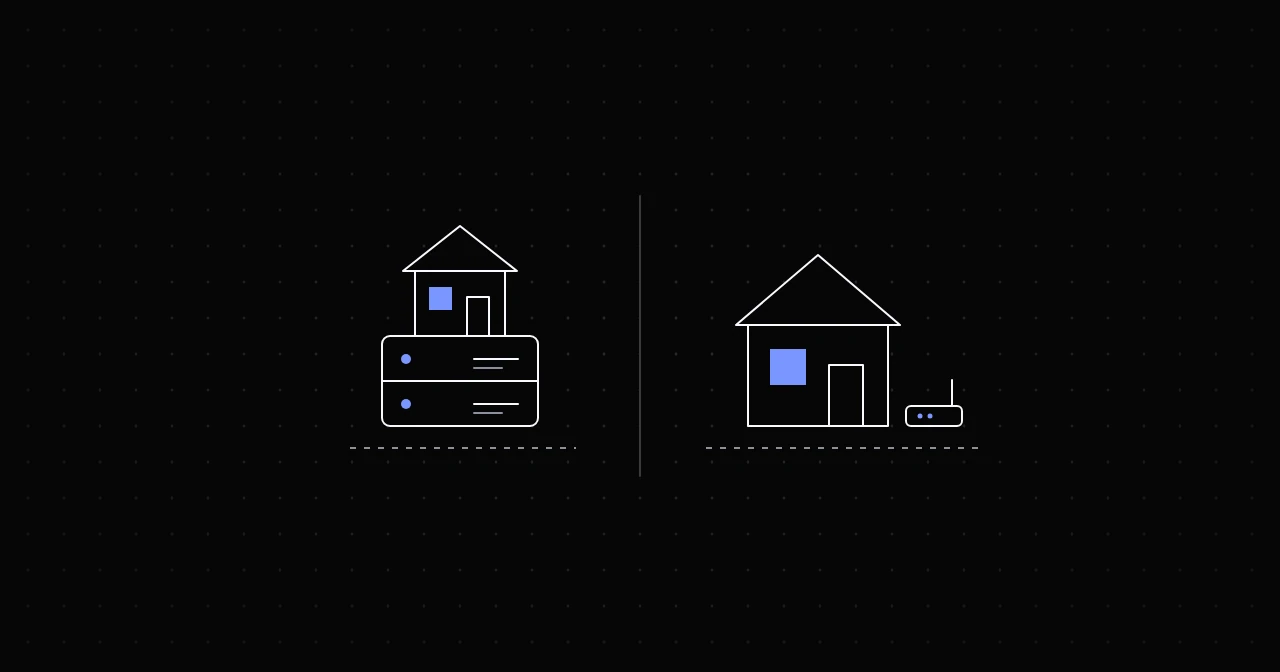
ISP proxies and residential proxies both give you IP addresses that belong to consumer internet providers, which is why strict websites treat them better than datacenter IPs. The difference is where those addresses live. Residential exits are real home connections: millions of them, rotating, spread across almost every country and city, but each one only as fast and as stable as somebody's home internet. ISP proxies are addresses registered to internet providers but hosted on servers in a datacenter: fewer of them, static, and fast. Pick ISP when you need one IP that stays put and responds quickly. Pick residential when you need many IPs, rotation or city-level targeting.
What residential proxies are
A residential proxy routes your request through a device on a real consumer connection, the kind of broadband or fibre line a household uses. The site sees an IP from that household's provider, in that household's city, which is exactly what an ordinary visitor looks like.
The trade-offs follow from that:
- Huge pools. Providers draw on millions of connections, so rotation is effectively unlimited. NyxonProxies' residential pool has more than 120 million IPs in 160+ countries.
- Fine targeting. Because the exits are everywhere, you can target by country, state and city.
- Variable speed. Each exit is a home connection, with home-connection latency and upload speed.
- Exits come and go. A device can go offline at any moment, so a single request occasionally fails and a sticky session can end early. Good clients simply retry.
- Sessions, not ownership. You can hold one exit with a sticky session, up to 120 minutes on NyxonProxies Residential, but you never own the IP.
What ISP proxies are
ISP proxies, also sold as static residential proxies, use IP ranges registered to consumer internet providers, hosted on servers in a datacenter. IP databases classify the addresses by who they are registered to, so they look like home connections, while the hardware behind them is a server with a fast, stable uplink.
The trade-offs mirror residential:
- Static. The address does not rotate. With a dedicated ISP IP it is yours for as long as you rent it.
- Fast and steady. No home connection in the path. NyxonProxies runs its ISP IPs on 1 Gbps hardware.
- Smaller pools. Far fewer addresses than a residential pool, concentrated in fewer locations: at NyxonProxies, dedicated ISP IPs in 8 countries and a shared ISP pool in the US.
- Coarser targeting. By country, or by the location of the pool you rent from, rather than any city you like.
- Shared neighbourhoods. ISP addresses tend to sit together in a few subnets. If a site has seen abuse from one address in a range, its neighbours can inherit some suspicion, a risk that residential exits, spread across millions of unrelated households, do not share.
How they compare
- How sites classify the IP: both read as consumer ISP addresses.
- Speed and latency: ISP is faster and more consistent. Residential depends on the exit's home connection.
- Stability: ISP addresses stay up and stay the same. Residential exits can drop, and sticky sessions have a time limit.
- Pool size and rotation: residential has millions of exits and rotates freely. ISP has a limited set of addresses that do not rotate.
- Targeting: residential goes down to city. ISP is per country.
- Pricing model: residential is billed per gigabyte. ISP is either billed per gigabyte for a shared pool or rented per IP for dedicated addresses.
Prices at NyxonProxies
As of October 2026 (current prices are always on the pricing page):
- Residential: $1.10/GB, 160+ countries, country and ASN targeting plus US state and city, rotating or sticky.
- Residential Budget: $0.35/GB, country targeting, for volume work where price matters more than precision.
- Shared ISP: $0.50/GB through
isp.gw.nyxon.sh(HTTP on port 30, SOCKS5 on port 31), a US pool that rotates per request. - Dedicated ISP: $3 per IP for 30 days, picked from a location pool, renewable for another 30 days.
The pricing model decides which is cheaper. Per-gigabyte pricing suits jobs that move a lot of data through many IPs. A per-IP rental suits jobs that need a few fixed addresses for weeks, where the IP count is small and predictable.
When to choose ISP proxies
- Long logged-in sessions on your own accounts, where a sudden IP change triggers security checks or a forced logout.
- Dashboards and tools that alert on new IPs. A static address looks like the same user coming back every day.
- Speed-sensitive work. Checkout flows, real-time monitoring and anything else where hundreds of milliseconds per request add up.
- Allowlisting. Partners or services that only accept traffic from fixed, known IP addresses, which is what a dedicated ISP IP gives you.
When to choose residential proxies
- Large-scale data collection, where rotating through many IPs spreads the load and keeps any single address under the site's limits.
- City-level data, such as local search results, store availability or prices that change by region.
- Strict sites that are wary of known ISP proxy ranges, where an ordinary household IP blends in best.
- Many parallel identities, each with its own sticky session for a few minutes at a time.
Many setups use both: residential for discovery and broad collection, ISP for the steps that need one stable, fast identity.
Check what you actually got
Whichever you buy, look at the exit through an IP information service:
curl -x http://USERNAME:[email protected]:30 https://ipinfo.io/jsonThe org field shows the network's ASN and name. For both residential and ISP exits it should be a consumer internet provider, not a hosting company. Run it twice: a dedicated ISP IP or a sticky session returns the same IP, while a rotating username can return a new one. The 60-second proxy test covers latency and session checks too.
FAQ
Are ISP proxies the same as static residential proxies? Yes. Both names describe ISP-registered addresses hosted on servers.
Are ISP proxies residential? By registration, yes: the IP belongs to a consumer internet provider. Physically, no: the server sits in a datacenter, not in a home.
Which is faster? ISP proxies, consistently. Residential speed depends on each exit's home connection.
Which is better for web scraping? For broad collection across many pages and locations, residential, because rotation and pool size matter most. For a small number of targets you hit steadily from fixed IPs, ISP can be faster and cheaper.
Can I get a residential IP that never changes? Not from a residential pool; exits come and go. If you need a permanent address, that is what ISP proxies are for.
Try it
Create an account and link Discord under Freebies for 250MB of Residential Budget free to try residential exits on your targets. Compare them with ISP on the same targets, and the proxy types guide and the use-case decision guide will help with the rest.